 36 x 24
Sell custom orders online, without the group chat.
One order page for custom products, event pieces, and made-to-order work. Customers choose their options, pay, and pick a pickup time so you get a clean, paid, ready-to-work order every time.
36 x 24 Proof approved
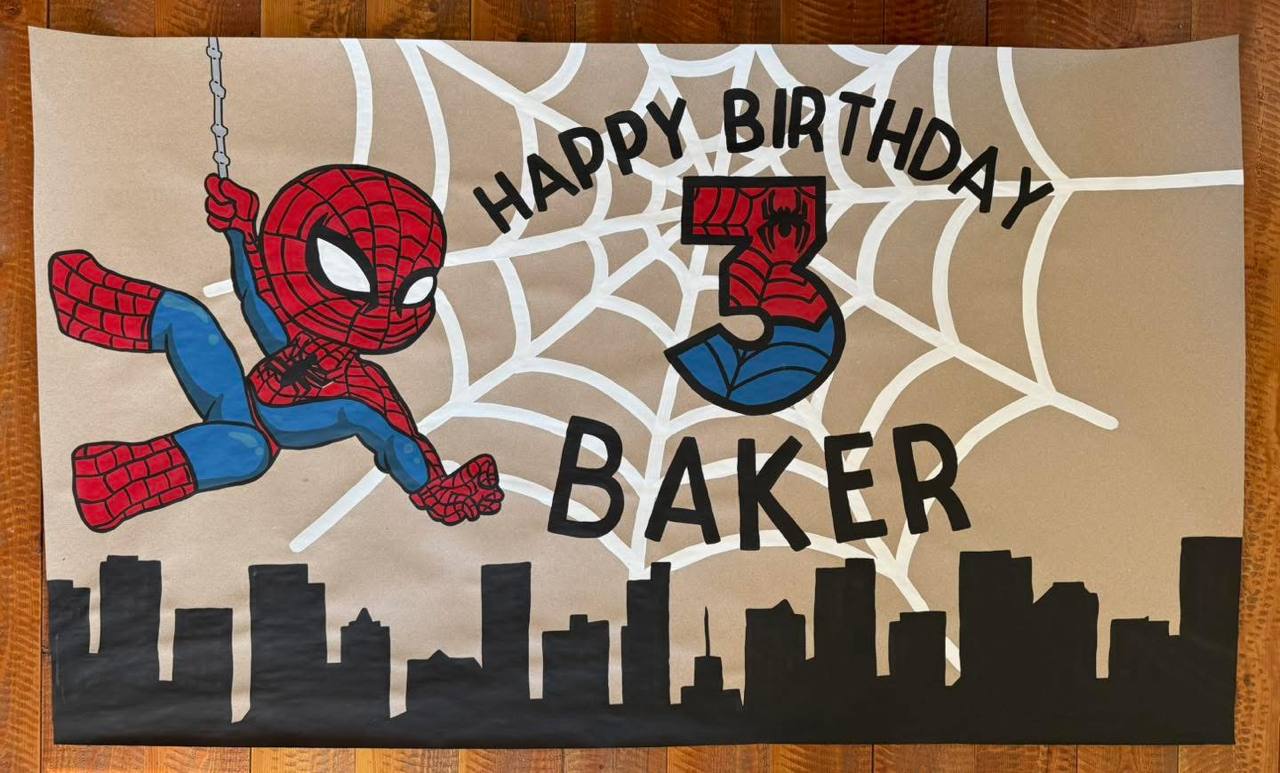 24 x 18
What changes when you switch
Same business. A lot less chasing.
- Orders scattered across texts and DMs
- Chasing payment after the work starts
- Sizes and add-ons explained every time
- Pickup times tracked in your head
- One order page, every request in one place
- Paid through Stripe before it hits your queue
- Customers pick from your sizes and add-ons
- Every order booked straight to your calendar
Five steps, start to pickup
How it works
One path, every time - for you and for the customer.
Share your order link
Post the link to your order page on your business page or send it in a message.
Customer enters order request
They add the order details, upload files, choose pickup timing, and submit it.
Payment is collected through Stripe
The customer pays online before the order moves into your review queue.
Order review and approval
You review the paid request, approve the order, or follow up before work begins.
Order is booked to the calendar
All order information is saved to the calendar, with Apple Calendar linking for easier access.
Customized options
Set up the order page with your business details
Your link
Unique order page link
Each business gets its own shareable order page link to copy into business pages, bios, texts, and customer messages.
Branding
Name, tagline, and pickup options
Personalize the public order page with the business name, tagline, and owner-managed pickup locations.
Sizes
Sizes, packages, or service options
Add, remove, rename, and price the main options customers can choose from.
Add-ons
Add-ons and prices
Add, remove, rename, and price extras like grommets, ribbon accents, or cut borders.
Logo
Logo image
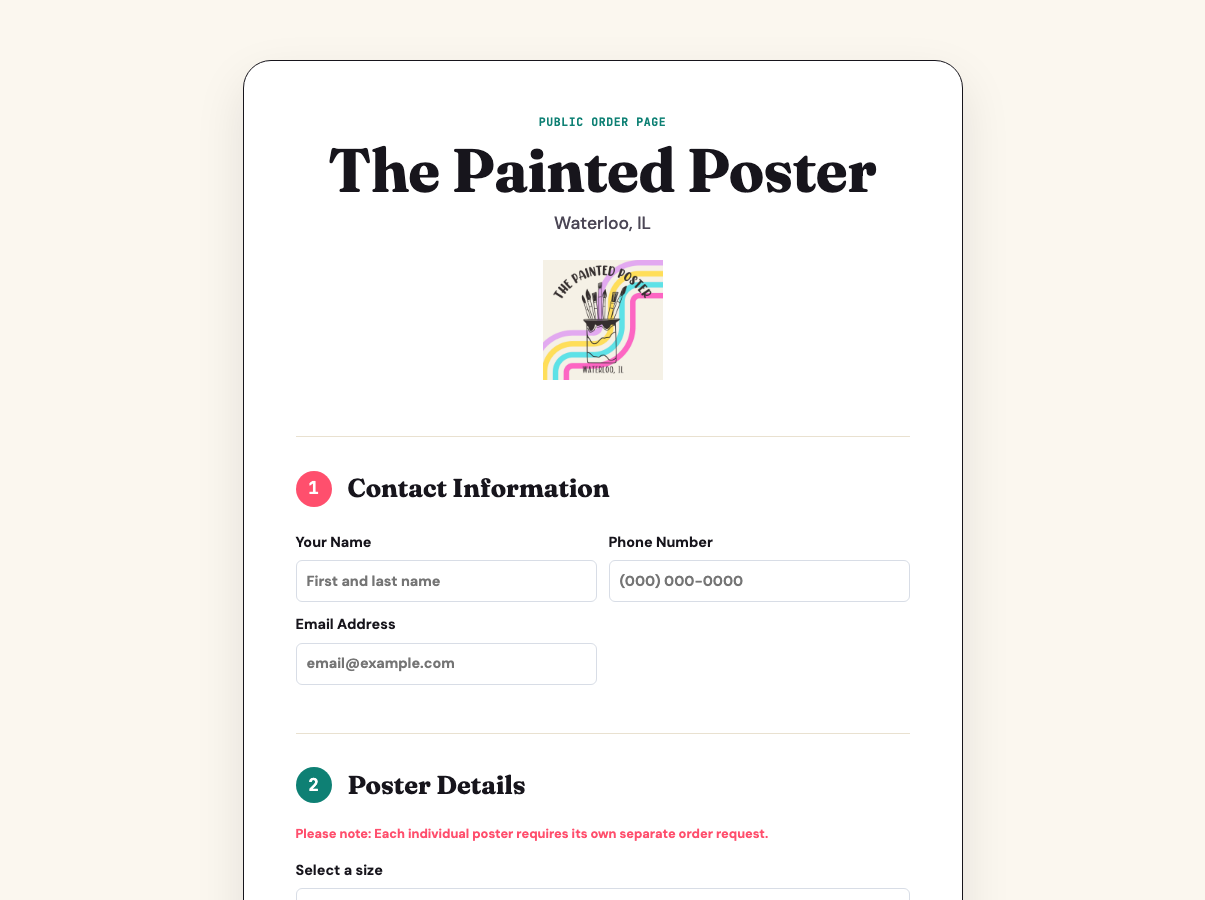
Upload the business logo image that appears at the top of the public order page.
Payments
Your Stripe account
Connect your own Stripe account so online poster payments route to your business.
Simple monthly pricing
Simple pricing for a cleaner custom-order workflow
$24.99 / month
Affordable for side businesses, polished enough for professional custom-order shops.
What is PosterBiz Manager?
PosterBiz Manager is a $24.99/month online ordering system for small custom poster, sign, and event-print businesses: customers pick your sizes, pay through Stripe before you start, and choose a pickup spot, and every order lands in your dashboard and calendar.
FAQ
PosterBiz Manager questions, answered
What is PosterBiz Manager?
PosterBiz Manager is a $24.99/month online ordering system for small custom poster, sign, and event-print businesses: customers pick your sizes, pay through Stripe before you start, and choose a pickup spot, and every order lands in your dashboard and calendar.
How much does PosterBiz Manager cost?
PosterBiz Manager is $24.99 per month, billed monthly through Stripe. There is no setup fee and no long-term contract.
Who is PosterBiz Manager for?
Small and side-hustle businesses that make custom posters, signs, and event pieces — birthday and party posters, senior night and graduation posters, yard signs, banners, and similar made-to-order work sold locally.
Do I need my own website?
No. PosterBiz Manager gives you a hosted order page with your logo. Share the link on Facebook, Instagram, or in a text, and customers order from there.
How do I get paid?
You connect your own Stripe account. Customers pay online when they order, and payouts go directly from Stripe to your bank. Orders reach your review queue already paid, so you never start work before payment.
Can I set my own sizes, prices, and pickup spots?
Yes. You set your poster sizes and prices and list your own pickup or meetup spots (or porch drop-off). Customers can only choose from what you offer.
Can I charge design fees or rush fees?
Yes. You can set a design fee and a rush window with a rush fee, and your order page and ordering policy show your own amounts to customers.
How do proofs and approvals work?
After a paid order arrives, you review it, send a proof, and the customer approves or requests changes. Approved orders are booked to your calendar with all the order details, including Apple Calendar linking.
Can I cancel anytime?
Yes. You can cancel anytime from the owner dashboard. Canceling takes effect right away: your order page, dashboard, and calendar access turn off immediately, with no continued access through the rest of the paid month. Subscription fees are generally non-refundable once a billing period starts.
How is PosterBiz Manager different from Etsy, Square, or a Google Form?
Etsy is a marketplace built for shipping to strangers and takes per-sale fees; Square Online is a general store builder; a Google Form doesn't collect payment or track proofs. PosterBiz Manager is built only for local custom-order work: sizes and add-ons, payment before work, proof approval, pickup spots, and a calendar — for a flat monthly price.